Why is my device not updating
There can be several reasons why your device is not updating with the latest data from Calendar Clock.
Most of these reasons can already be identified on the Device Status page in the Preferences of the Administrator application. This status page contains the data points: battery status, last connection to the server, and device version.
The device has crashed or the app has been closed
This can be noticed if the last refresh time is more than 15 minutes ago. It can be due to the following reasons:
- The battery is dead. The battery status will probably show "Not charging" and the battery percentage is low.
- The device has no internet connection.
- The app has been accidentally closed. If this happens frequently, try to ensure that the app cannot be closed. See the instructions for Android and for iOS.
You are connected to the wrong ID and Password
In the Devices page of the Administrator app, you can see which ID you are connected to. This ID should match the ID in the Menu page of the Calendar Clock. See how to reach the menu if the Menu button is hidden.
There is an error
This is probably due to an outdated version of the app. If the app version shows an outdated version on the Device Status page, you probably want to update the app. Unfortunately, the app cannot update itself, as the app is open 24/7 and Android and iOS can only update closed apps. So you will need to manually go to the Play Store or App Store page of Calendar Clock and then click "Update".
The wrong Calendar Clock app is open
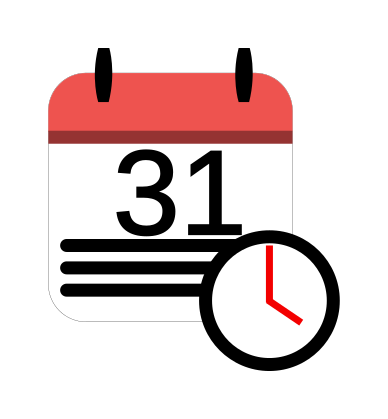
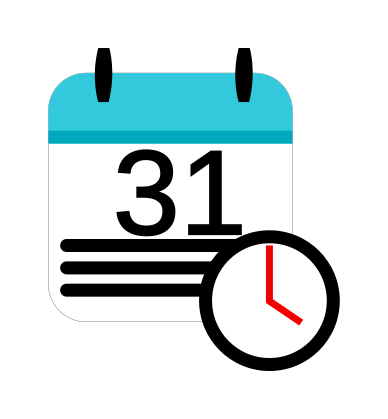
It often happens that the Calendar Clock app is accidentally closed and then the Administrator app is opened again. The clock application is the app with the red logo and the Administrator application is the app with the blue logo. Therefore, it is also a good idea not to install both apps on the same device to avoid confusion.
The app is in night mode
If you have enabled night mode in the app settings, the app will not update during the night hours. You can either disable nightmode or wait until the nightmode period is over.
There is something else going on
Then send me a message via the "Questions and Suggestions" page in the Administrator application. I usually respond within 1-2 days.